

🔥
Amaravati Royals v Vijayawada Sunshiners England v New Zealand Ireland v India ICC Women's T20 World Cup Sri Lanka W v Scotland W 🏎️ AUSTRIAN GRAND PRIX — 2026 RACE FIFA WORLD CUP 2026 — SPECIAL MARKET

How to Deposit on ReddyBook: Complete Payment Guide

Learning how to deposit on Reddybook helps you fund your wallet with fewer errors. Our Reddybook Deposit guide covers the cashier process, common payment methods, transaction checks, deposit problems and safe account habits.

Available options, minimum amounts, maximum limits and processing times can change by account and payment provider. Treat the live ReddyBook cashier screen as the final source for every deposit.

Quick answer: Log in, open Wallet or Deposit, choose an available payment method, enter the amount, follow the shown payment details and confirm the new wallet balance.

What a ReddyBook Deposit Does

A deposit moves money from an approved personal payment method into your ReddyBook cash wallet. You can then use the wallet for eligible sports or casino activity according to the account rules.

The deposit page should show available methods, live limits and any payment instructions. Do not send money to an account or UPI ID that appears outside the verified cashier flow.

ReddyBook Payment Methods You May See

ReddyBook payment methods can differ by time, region and account status. The cashier may show one or more of the following options.

UPI Deposit

A ReddyBook UPI deposit may let you pay through a UPI app or QR code. Check the receiver details, amount and payment note before approval. Never enter your UPI PIN on the Reddybook website itself; enter it only inside your trusted payment app.

Google Pay, PhonePe or Paytm

These apps may process a payment through UPI or another supported route. Choose the option shown in your cashier, verify the receiver and keep the transaction reference after payment.

Bank Transfer

A bank transfer can use IMPS, NEFT, RTGS or another available bank method. Copy the account details carefully and add the correct reference when the cashier requests one. Processing can depend on the bank and transfer type.

Net Banking

Net banking may send you to a bank payment page. Confirm the web address and complete the bank security steps. Return to ReddyBook only after the bank shows a final status.

Digital Wallet or Other Available Method

The platform may display other payment choices from time to time. Use an option only when it appears inside your logged-in cashier and belongs to you.

Method What to verify Keep after payment
UPI or QR Receiver, amount and app request UPI reference number
Payment app Correct merchant or UPI ID Transaction screenshot
Bank transfer Account details and reference Bank transfer ID
Net banking Secure bank page and status Bank confirmation
Other method Live cashier instructions Provider receipt

How to Deposit Money on ReddyBook Step by Step

Deposit money on ReddyBook with a clear process that protects your account, tracks each payment, and updates your wallet correctly.

  • Log in with your personal ReddyBook ID.
  • Open the Wallet or Deposit section.
  • Review the current minimum and maximum limits.
  • Select your preferred ReddyBook payment method.
  • Enter the amount and review bonus terms.
  • Complete payment and save the transaction reference.

We recommend checking every detail before payment, saving the transaction reference, and reviewing your wallet history afterward so you can resolve delays quickly without sending a duplicate deposit by mistake.

ReddyBook Deposit Limits and Processing Time

Deposit limits may vary by payment method, account level, provider and current cashier rules. The live payment panel should show the amount range before you submit.

Many electronic payments can update quickly, but bank reviews, payment provider delays, incorrect references or verification checks can increase the time. A successful bank debit does not always mean the wallet has already received final confirmation.

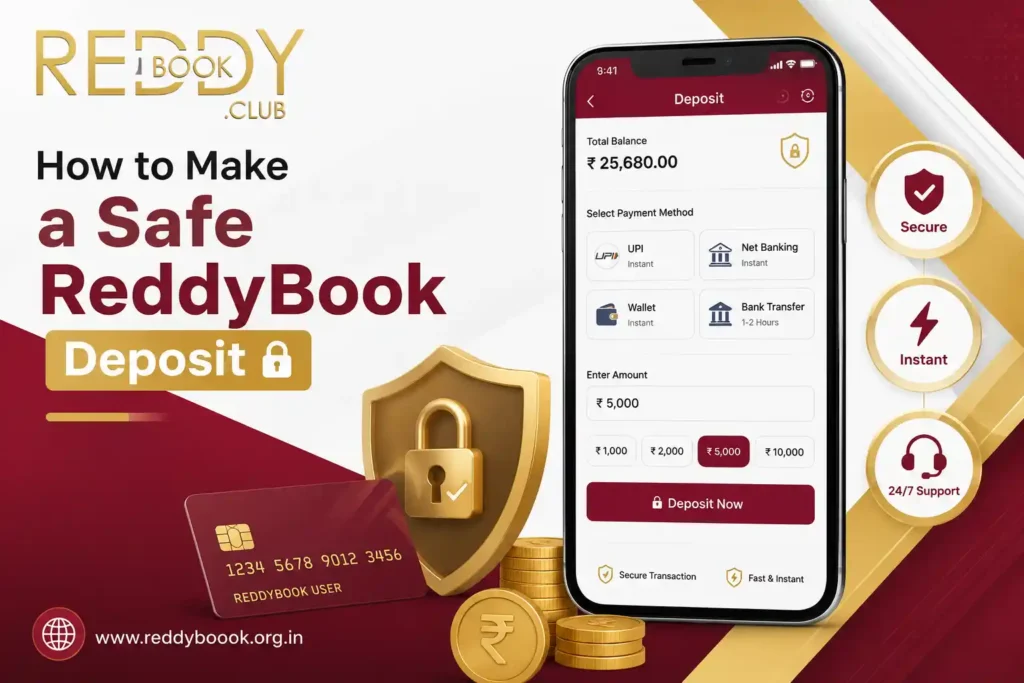
How to Make a Safe ReddyBook Deposit

  •  Use only a payment method that you own or can legally use.
  •  Start from the logged-in ReddyBook cashier page.
  •  Match the receiver details with the live instructions.
  •  Enter your UPI PIN only inside the payment app.
  •  Never share bank OTPs, card PINs or account passwords.
  •  Save every payment reference and screenshot.
  •  Set a deposit budget before you open the cashier.
  •  Stop immediately when the receiver details look different.

Common ReddyBook Deposit Problems

Money Debited but Wallet Not Credited

Wait for the normal provider update period and check transaction history. Do not pay again. Contact support with your ReddyBook ID, amount, payment time and reference number.

UPI Payment Failed

Check your bank balance, daily UPI limit, network and payment app status. Start a new request only after the first attempt shows a final failed or reversed status.

Deposit Shows Pending

A pending status means the system has not received final confirmation. Keep the app open long enough to finish the bank step, then review the wallet later.

Wrong Amount Sent

Save the receipt and contact verified support. Do not send another amount to correct the difference unless support gives a clear instruction inside the official channel.

Wrong UPI ID or Bank Details

Contact your bank or payment provider immediately because ReddyBook may not control a transfer sent to the wrong receiver. Also report the issue to platform support with complete evidence.

Deposit Reversed

A bank or UPI provider may reverse a failed transaction automatically. Check the source account and wait for the provider’s stated reversal period before raising a second case.

Deposit Method Does Not Appear

A payment option may go offline, reach a limit or become unavailable for your account. Use another method displayed in the live cashier or contact support.

What to Do After a ReddyBook Wallet Deposit

  1.  Confirm the cash balance and transaction entry.
  2.  Check whether a selected bonus entered the bonus wallet.
  3.  Read wagering rules before using promotional funds.
  4.  Set a loss limit and session budget.
  5.  Keep enough control to stop without chasing a loss.
  6.  Review payment history before your next deposit.

ReddyBook Deposit and Bonus Connection

A ReddyBook deposit can trigger a promotion only when the payment meets the live bonus rules. The offer may require activation, a qualifying method and a set amount. A normal wallet deposit does not guarantee a reward.

Choose No Bonus when you want to avoid wagering conditions, if that option appears. Once you activate and use a promotion, cancellation may affect the remaining bonus and related winnings.

Responsible Deposit Rules

Deposit only money that you can afford to lose. Online betting carries financial risk, and no payment creates a guaranteed return. Set a fixed limit before each session and never use borrowed money for betting.

Take a break when you feel pressure to recover losses. Use deposit limits, cooling-off options or self-exclusion tools when the platform provides them.

Frequently Asked Questions

UPI methods often update quickly, but actual speed depends on the live provider, bank status and verification checks.

The minimum deposit amount is ₹50. Please check the amount displayed next to your selected payment method.

Most payments update within two minutes. However, bank processing times or additional security reviews may occasionally cause longer delays before the funds appear.

Use your own payment method. Third-party payments can cause ownership, verification or withdrawal problems.

A completed deposit usually cannot be cancelled through the wallet. Contact support when you made an error.

Keep the transaction reference, amount, date, time and a clear payment screenshot.

Contact verified ReddyBook support and share payment evidence. Never share your password, OTP or UPI PIN.