
Log in, open Wallet, select Withdraw, choose an available method, enter the amount, confirm your details, complete verification and submit the request.
ReddyBook lets account holders request a payout from their eligible cash balance through the withdrawal options shown inside the platform. Our wallet clearly separates usable funds from bonus value, unsettled bets and pending requests, so you can check the correct amount before cashing out.
This guide explains the full withdrawal process on Reddybook, including payout methods, account verification, withdrawal status, and common payment problems. Live limits, available channels and processing details appear on your account screen at the time of each request.
A ReddyBook withdrawal moves eligible money from your platform wallet to a personal payment account. Your total wallet figure can include several balance types, so always open the Withdraw section and check the amount listed as available cash.
Cash balance includes eligible deposits and settled winnings. Bonus balance follows the terms attached to the selected offer. Complete any required turnover before you request funds linked to that promotion.
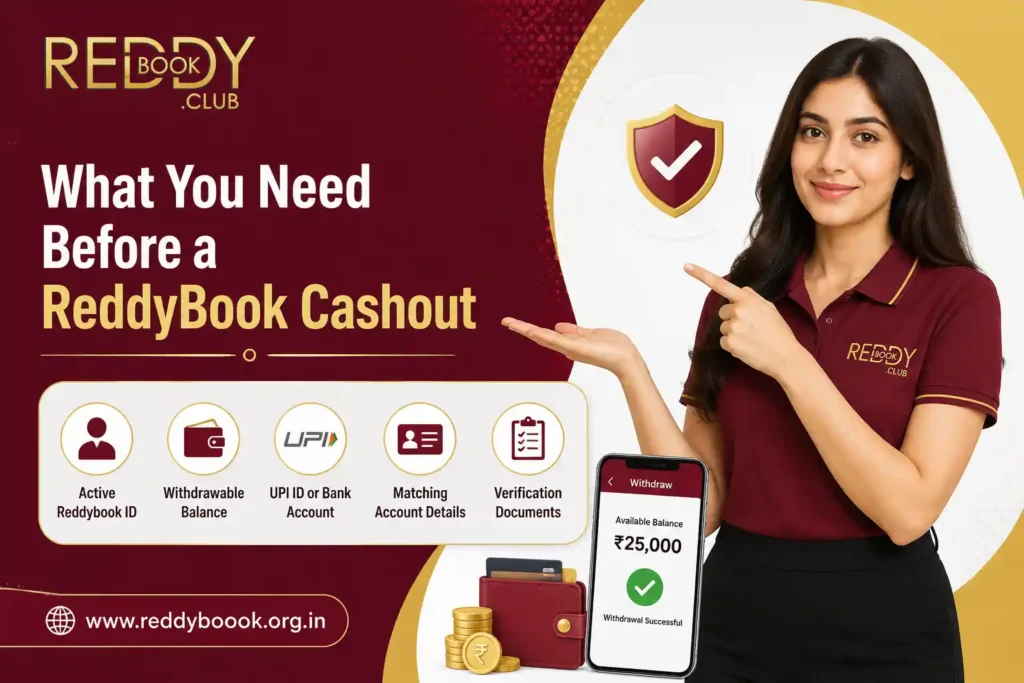
Prepare the account details below before starting. Correct information helps our team complete each payment check without avoidable delays.
Security note: ReddyBook support never needs your password, OTP, UPI PIN, card PIN or full account access. Enter sensitive codes only on the secure platform screen.
Your live cashier shows the methods available for your ReddyBook account. A mobile payment app usually works through its linked UPI ID rather than a separate app-specific withdrawal button.
| Method | Details to Check | Common Issue |
|---|---|---|
| UPI | Active UPI ID and matching name | Typing error or provider delay |
| Bank transfer | Account number, IFSC and holdername | Incorrect details or bank review |
| IMPS or NEFT | Verified bank information | Bank downtime or processing window |
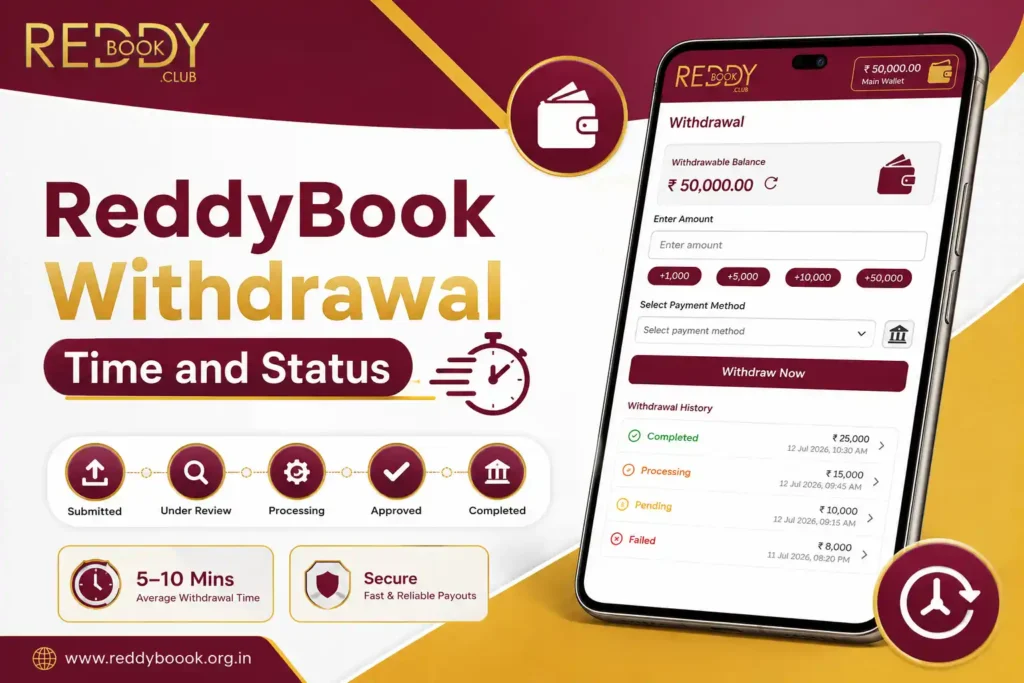
You usually receive your winnings within 5 to 10 minutes. However, processing time depends on verification, the withdrawal amount, the payout method, and the receiving bank. Always check the estimated processing time displayed in your wallet instead of relying on an old screenshot or a third-party promise.
Status Meanings:
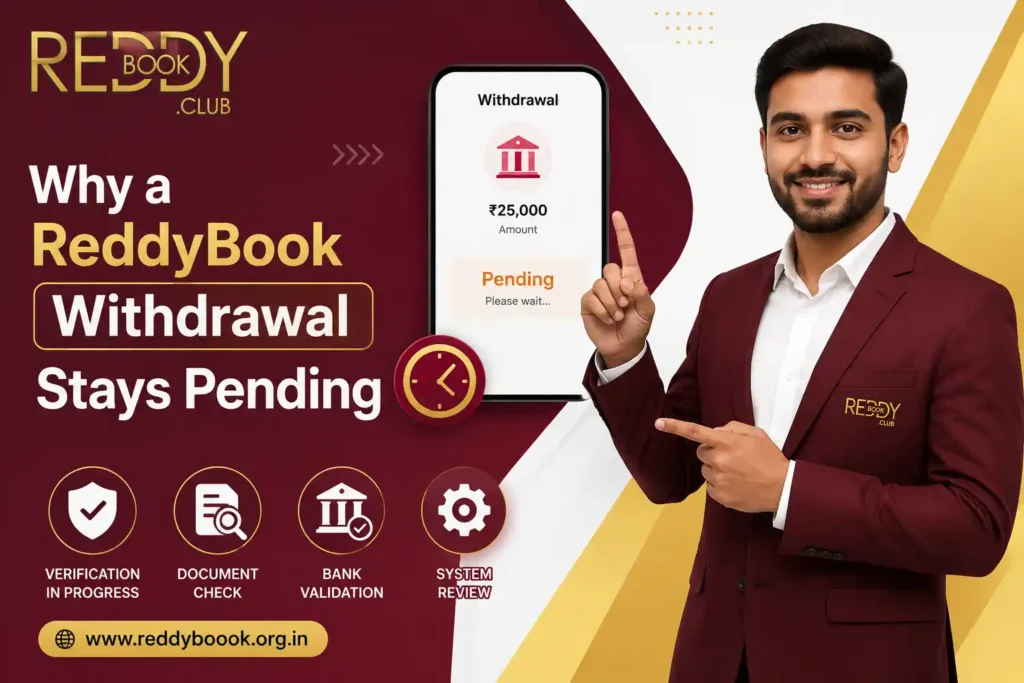
A pending ReddyBook withdrawal usually links to one clear check. Review the status first, then correct the exact issue instead of sending repeated requests.
Common Reasons
When a request shows Completed but the money has not appeared, ask support for the payment reference. Share that reference with your bank or UPI provider so they can trace the transfer.
A smooth ReddyBook payout starts with an eligible cash balance, correct personal payment details and completed verification. Review the live limits, submit one accurate request and keep the reference until your bank confirms the credit.
Visit Reddybook official website to log in, check your ReddyBook wallet and start the secure withdrawal process.
Log in, open Wallet, select Withdraw, choose an available method, enter the amount, confirm your details, complete verification and submit the request.
The minimum withdrawal amount is ₹80. However, the live withdrawal screen displays the current minimum for your account and selected payment method.
Choose UPI when it appears in your cashier. Enter an active UPI ID linked to an account you control.
Common causes include incomplete verification, payment detail errors, open bets, bonus conditions, limit checks and provider delays.
No, you cannot withdraw the bonus directly. However, you can use the bonus to play games or place bets. Complete the turnover and cashout requirements shown in the active offer before requesting a withdrawal of any winnings linked to that bonus.
Our system requests account or payment proof when verification applies to the withdrawal. Follow the instructions shown inside your account.
Use the Cancel option when it appears before processing. Contact support quickly when you enter incorrect payment details.
Check the correct account and bank statement, then request the payout reference from support for payment tracing.