Table of Contents
ToggleGetting started with a Reddybook ID begins with a simple registration and verification process. We keep the process clear so users can complete their account setup with confidence. Your registered details help us confirm account ownership and provide secure access to your Reddybook account.
After registration, users need to complete the required verification steps before they use their account normally. The exact Reddybook ID Activation time depends on how quickly the required verification steps are completed.
In this guide, we explain the activation process, verification steps, common delays, and ways to check your account status.
What Is Reddybook ID Activation?
Reddybook ID Activation is the process that makes your newly registered account ready for regular access. It starts after you submit your registration details and complete the required verification.
The process helps us confirm that the account details belong to the person creating the account. It also helps protect your login information and reduce account access issues.
A New Reddybook ID usually involves these basic stages:
- Complete the registration form.
- Confirm the registered mobile number through OTP.
- Complete any required account verification.
- Receive or confirm your login details.
- Access your Reddybook account after successful verification.
Your Reddybook ID password should remain private at all times. Do not share it with friends, agents, or unknown contacts.
How Long Does Reddybook ID Activation Take?
The Reddybook ID Activation process focuses on completing the required verification correctly. When all details are accurate and OTP verification works without an issue, the process can move quickly.
However, extra verification can take additional time. For this reason, users should avoid expecting one fixed activation time for every account.
Here is a simple overview:
Verification Stage | What Happens |
Registration | Account details are submitted |
OTP Verification | Registered mobile number is confirmed |
Account Review | Required details are checked |
Activation | Account becomes ready for access |
If your activation takes longer than expected, first check your registered details and verification status. Then, contact Reddybook Customer Care through the available official support channel.
Step-by-Step Reddybook ID Verification Process
1. Complete Your Registration
Start by entering the information requested on the registration page. Use details that you can access and verify later.
Accurate information helps prevent unnecessary delays during account verification.
2. Confirm Your Mobile Number
The next step involves OTP verification when the registration flow requests it. Enter the verification code sent to your registered mobile number.
Keep your phone available during registration so you can complete this step without interruption.
3. Complete Required Verification
After OTP confirmation, follow any additional instructions shown on your account. Some users need to complete further checks before full account access.
Follow each instruction carefully instead of submitting random or incorrect information.
4. Create and Protect Your Password
Once your registration progresses, use a strong Reddybook ID password that you do not use on other accounts.
A secure password should remain known only to you. Also, avoid saving your password on shared devices.
5. Complete Your First Login
After successful verification and activation, use your Reddybook ID and password to access your account.
If you use the Reddybook App, make sure you install it through the official source and enter your account details only on the genuine login page.
How Reddybook ID Activation Works After Verification
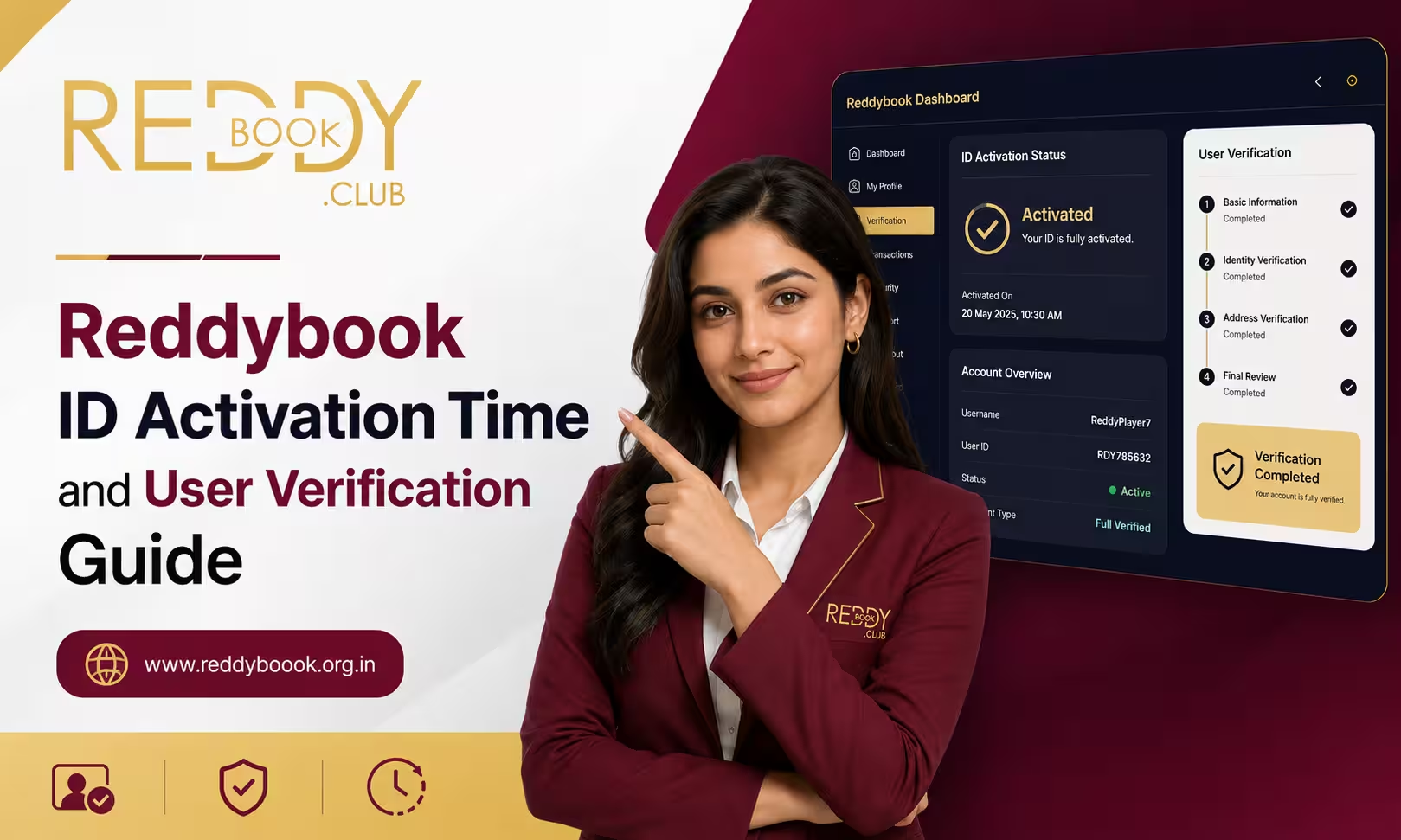
Once you complete the required verification, your account moves toward normal access. The system confirms the submitted information and enables the appropriate account functions.
Your New Reddybook ID then becomes your main account identifier. Keep it secure because you will use it when you access your account again.
You should also keep your registered mobile number available. It can help with account verification and recovery when the platform requests additional confirmation.
If you joined through a Reddy Book Referral Code, keep your registration details consistent with the information submitted during account creation. A referral code does not replace the required account verification steps.
What Can Delay Reddybook ID Activation?
Several simple issues can slow down the activation process. Most problems start with incomplete information or an unsuccessful verification step.
Incorrect Mobile Number
A wrong mobile number can prevent you from receiving the OTP. Always check the number before submitting your registration.
OTP Delivery Problems
Network issues, SMS delays, or message restrictions can affect OTP delivery. Check your phone connection and SMS inbox before requesting another code.
Incorrect Account Details
Typing mistakes can create verification problems. Review your information before you submit the registration form.
Additional Verification
Some accounts require extra verification before activation. Complete the requested steps carefully and provide accurate information.
Technical Issues
Browser problems, connection interruptions, or temporary technical errors can also affect registration. Refresh the page or try again after checking your internet connection.
If the issue continues, Reddybook Customer Care can help you understand the next required step.
How to Check Whether Your Reddybook ID Is Activated
You can check your account status through the normal login process.
First, open the official Reddybook Login page and enter your Reddybook ID and password. If your account accepts the details and provides normal account access, your activation process has completed.
You can also check for:
- Successful OTP confirmation
- Completed registration status
- Access to your account dashboard
- Successful login with your Reddybook ID
- No pending verification message
Do not create multiple accounts simply because your first activation takes longer than expected. Multiple registrations can create additional account management issues.
If you received a Free Reddybook ID through a promotion, referral, or registration offer, follow the same verification requirements that apply to your account.
What to Do if Your Reddybook ID Is Still Pending
A pending status does not mean you should immediately create another account. Start by checking the information you entered during registration.
Make sure your mobile number is correct and confirm that you completed the OTP step. Next, review your account for any additional verification request.
If everything looks correct but your Reddybook ID Activation remains pending, contact Reddybook Customer Care through the official support option.
When contacting support, explain the problem clearly. Provide only the information required to identify your account. Never send your password or OTP to another person.
If you use Reddybook Club services or received an account through a referral promotion, mention the relevant account issue when contacting support. This helps the support team understand your request.
Reddybook ID Verification and Account Security
Verification plays an important role in account security. It helps confirm account ownership and supports safer access to your Reddybook account.
You can also improve your security with a few simple habits:
- Keep your Reddybook ID password private.
- Never share OTP codes.
- Use a strong and unique password.
- Avoid logging in through unknown links.
- Keep your registered mobile number secure.
- Log out after using a shared device.
- Use the official Reddybook App source when available.
After every session, logging out adds another layer of protection, especially when you use a shared or public device. For a detailed guide, read “Reddybook Logout Guide: How to Secure Your Account After Every Session”.
Summary
The Reddybook ID Activation process starts with registration and continues through the required verification steps. Accurate account information, successful OTP confirmation, and careful completion of any additional checks can help keep the process smooth.
Your New Reddybook ID gives you access to your account after successful activation. Keep your Reddybook ID password private and use secure login habits every time.
If activation remains pending, check your registration details first. Then contact Reddybook Customer Care through the official support channel for further assistance.