Table of Contents
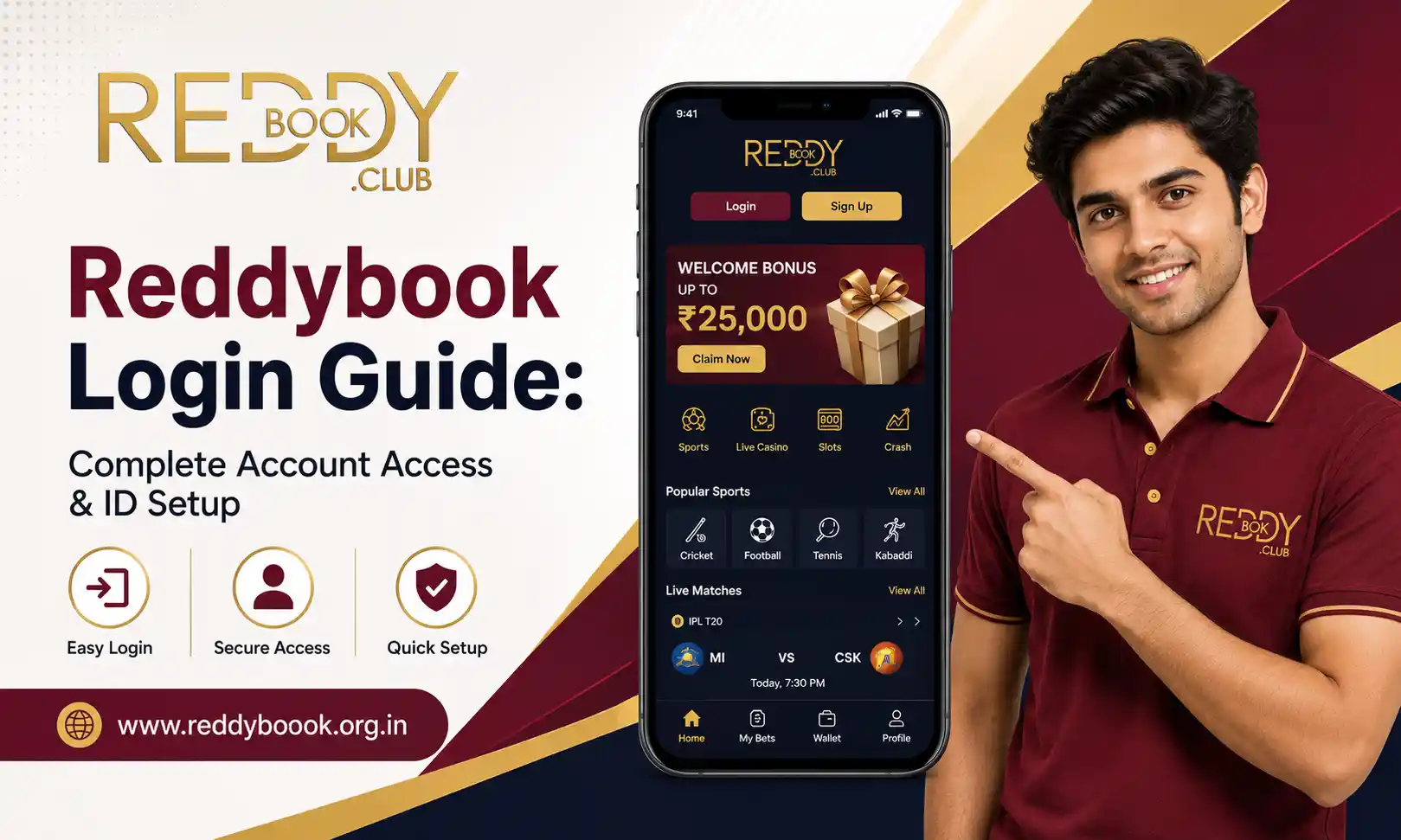
ToggleAccessing your Reddybook account should be simple, quick, and secure. We created our Reddybook Login process to help both new and existing users reach their accounts with ease. Whether you already have a Reddybook ID or need to complete your account setup, this guide explains the complete process in clear steps.
Our login system connects your registered details with your Reddybook account. Once you sign in successfully, you can access the platform sections available to your account, including live sports, online casino, and Fantasy11 tournaments.
What Is Reddybook Login?
Reddybook Login is the account access process for registered Reddybook users. Your login credentials connect you with your personal account and help you manage your account from one place.
We recommend keeping your login details private. Your Reddybook ID and password provide access to your account, so never share them with another person.
What You Need for Reddybook Login
Before starting, keep these details ready:
- Reddybook ID or registered username
- Account password
- Registered mobile number when verification requires it
- Stable internet connection
- Access to our current login page
Having the correct information ready can make the sign-in process faster and reduce common login errors.
How to Login to Reddybook
Our Reddybook Login process follows a few straightforward steps. Existing users can use their registered account details to sign in.
Step 1: Open the Reddybook Login Page
Start by opening our current Reddybook Login page through the verified Reddybook access point.
Always check the website address before entering your account details. Avoid login links received from unknown sources or unfamiliar websites.
Step 2: Enter Your Reddybook ID
Enter your registered Reddybook ID in the appropriate login field.
Check the spelling carefully before continuing. Extra spaces, missing characters, or an incorrect ID can prevent successful account access.
Step 3: Enter Your Password
Enter the password connected to your Reddybook account.
Make sure you enter the correct combination of letters, numbers, and other characters. If you cannot remember your password, use the available recovery option instead of repeatedly entering incorrect details.
Step 4: Complete Account Verification
Our security process may request an OTP or another verification step during login.
Enter the code connected to your registered account when requested. Never share your OTP or verification code with another person.
Step 5: Access Your Reddybook Account
After your details and verification match, you can enter your Reddybook account.
From your account, you can access the platform features available to you. We recommend checking your account information after your first successful login to make sure everything looks correct.
How to Get a Reddybook ID
A Reddybook ID starts with your account registration. New users need to complete the required registration details before they can use regular account access.
Create Your Reddybook Account
Begin with our registration process and enter the information requested on the account form. If you are new to Reddybook, follow our detailed guide, Reddybook Sign Up 2026: Open free Reddybook Account, for step-by-step account creation instructions.
Use accurate details that you can access later. Your registered information may support account verification and account recovery.
Complete Verification
Follow the verification instructions displayed during registration. If we request an OTP or another confirmation method, complete that step before attempting to log in.
Keep Your Reddybook ID Secure
Once your account setup is complete, keep your Reddybook ID private.
Your ID helps identify your account during future login attempts. Do not post it publicly or send your login credentials through unsecured channels.
Reddybook Login on Mobile
Our mobile-friendly account access helps users sign in from supported smartphones and tablets.
Login Through Mobile Browser
Open a supported mobile browser and visit the verified Reddybook Login page.
Select the login option, enter your Reddybook ID and password, complete any required verification, and access your account.
For better security, avoid using public or shared devices when entering your account credentials.
Reddybook App Login
If you use a supported Reddybook App, install it only from a trusted source provided by our platform.
Open the application and enter your existing Reddybook ID and password. Complete any verification shown on the screen before accessing your account.
Keep your application updated to maintain compatibility with the latest platform requirements.
Forgot Your Reddybook Password?
A forgotten password does not mean you need to create another account. Our account recovery process can help existing users regain access.
Use Forgot Password
Open the Reddybook Login page and select the available Forgot Password or password recovery option.
Follow the instructions displayed on the screen and provide the requested account information.
Verify Your Account
The recovery process may require your registered mobile number or another account verification method.
Use the details connected to your original account so the recovery process can identify your account correctly.
Create a New Password
Choose a new password that others cannot easily guess.
Avoid using simple information such as your name, birthday, or repeated numbers. Keep your new password private after completing the reset.
Reddybook Login Not Working?
Login problems often come from incorrect details or temporary device issues. Check these areas before contacting our support team.
Check Your Reddybook ID
Review your Reddybook ID character by character. Make sure you have not entered an incorrect username or added unnecessary spaces.
Check Your Password
Enter your current password carefully. If you no longer remember it, use the password recovery option rather than repeatedly guessing.
Check Your OTP
If an OTP does not arrive immediately, check your registered mobile number and wait briefly before requesting another code.
Always use the latest verification code available.
Check Your Browser
If the login page does not respond correctly, refresh the page and check your internet connection.
You can also try an updated supported browser if the problem continues.
Check Your Reddybook App
If you use our mobile application, check that you have the latest available version. Restart the application and try logging in again.
If you still cannot access your account, contact our official support channel for assistance.
How We Help Protect Your Reddybook Account
Account security starts with protecting your login information.
We recommend these simple practices:
- Keep your Reddybook ID private.
- Never share your password.
- Never share OTPs.
- Use a unique password.
- Avoid unfamiliar login links.
- Log out from shared devices.
- Keep your browser or app updated.
- Use secure internet connections.
- Contact official support for account problems.
We will never ask you to publicly share your password or OTP.
What Can You Access After Reddybook Login?
Once you complete Reddybook Login, your account provides access to the features available for your account and location.
You can explore available live sports, online casino sections, and Fantasy11 tournaments from your account dashboard. Always review the applicable rules, eligibility requirements, and participation conditions before using any platform feature.
The login process itself remains the same focus: secure access to your registered Reddybook account.
Reddybook Login for New and Existing Users
For New Users
New users first need to complete account registration and verification. After creating their Reddybook ID, they can use their registered credentials for future login attempts.
For Existing Users
Existing users can go directly to the Reddybook Login page and enter their current Reddybook ID and password.
If you forget your credentials, use the available recovery process instead of creating another account.
Reddybook Login Quick Checklist
Before signing in, check:
- Reddybook ID is correct.
- Password is current.
- A registered mobile number is available if verification requires it.
- Internet connection works properly.
- You are using the verified Reddybook Site page or supported app.
These checks can prevent many common account access problems.
Conclusion
Our Reddybook Login process gives registered users a direct way to access their accounts. New users can start by completing their account and Reddybook ID setup, while existing users can sign in with their registered credentials.
Keep your Reddybook ID, password, and verification codes secure. Use the correct login page, follow the verification steps, and use our account recovery process whenever you forget your password.