
Table of Contents
ToggleThe Reddybook App gives mobile users a simple way to access their Reddybook account, live sports, account tools, payments, and other platform features. Reddybook supports Android app access, a mobile-friendly website, iOS access, and desktop compatibility.
For Android users, the Reddybook Pro Apk provides an APK-based installation option. Before installing any APK, check that you use the verified Reddybook source and the current file shown there. For iPhone users, Reddybook provides mobile access through its supported iOS experience.
This guide explains the Android download process, Reddybook Pro Apk installation, Latest Version checks, iOS access, login, features, security, and common app issues.
What Is the Reddybook App?
The Reddybook App brings important account features to your mobile device. Users can access sports markets, live match information, account history, wallet tools, support, and other available platform sections from a phone.
The mobile experience focuses on simple navigation. Menus, event cards, account options, and support tools remain easy to find on smaller screens. Reddybook also supports mobile browser access, giving users another way to reach their account.
A single Reddybook ID connects the account with the available platform services. After login, users can manage account information and review available sections from one dashboard.
Reddybook App Download for Android
Android users can access the Reddybook App through the verified APK download option. The process starts with the official Reddybook website, where users can check the available mobile access information before downloading.
How to Download Reddybook App on Android
Follow these simple steps:
- Open the official Reddybook website on your Android phone.
- Find the Reddybook App or APK access option.
- Check the displayed file and version details.
- Download the approved APK file.
- Open the downloaded file and follow the Android installation prompts.
- Complete the installation and launch the app.
- Enter your Reddybook ID and password to access your account.
Reddybook recommends using a verified source for APK downloads. Check the file name, source page, and requested permissions before installing. Avoid APK files shared through unknown websites, groups, or unofficial links.
Reddybook Pro Apk Latest Version
The Reddybook Pro Apk is the Android APK format users search for when they want mobile access outside a standard app-store installation. An APK file allows Android devices to install an application directly.
Always check the Reddybook Pro Apk Latest Version information shown on the official download source before installation. Version details help you avoid using an old or modified file.
Why Use the Latest Version?
Keeping the Reddybook Latest Version on your device helps maintain compatibility with the current platform. Updates can also improve performance, fix technical issues, and introduce changes to the mobile experience.
Do not rely on APK files from third-party pages that claim to offer a newer version. Instead, return to the official Reddybook access page and check the currently listed release.
Reddybook App Download for iOS
Reddybook also supports iOS and mobile access. The current platform lists iOS & Desktop Compatibility alongside Android App and mobile-friendly website access.
How to Access Reddybook on iPhone
iPhone users can follow these steps:
- Open Safari on your iPhone or iPad.
- Visit the official Reddybook website.
- Open the available mobile access or login section.
- Enter your Reddybook ID and password.
- Complete any required account verification.
- Continue to the mobile Reddybook interface.
Android APK files do not apply to iOS devices. Therefore, iPhone users should follow the iOS access method provided through the official Reddybook platform instead of attempting to install an Android APK.
Android vs iOS Reddybook Access
Feature | Android | iOS |
Mobile Access | Yes | Yes |
APK Installation | Supported | Not applicable |
Mobile Browser | Yes | Yes |
Reddybook Login | Yes | Yes |
Account Tools | Yes | Yes |
The platform currently identifies Android App access, mobile-friendly website support, and iOS compatibility as available access options.
Reddybook App Features
The Reddybook App brings several account and platform features together in a mobile-friendly interface.
Live Sports Access
Users can follow available cricket, football, tennis, kabaddi, basketball, racing, and other sports sections. The platform also displays live event information and markets where available.
Reddybook ID and Account Management
Your Reddybook ID provides access to the account dashboard. Users can review account information, activity, wallet details, and other available tools from one place.
Mobile Wallet and Payments
The platform lists payment options including UPI, PhonePe, Google Pay, Paytm, bank transfer, and debit or credit cards. Availability and applicable conditions depend on the current account and platform terms.
Simple Mobile Navigation
The Reddybook mobile experience uses readable sections, event cards, menus, and account controls designed for smaller screens. This makes it easier to move between available platform sections from a phone.
How to Install Reddybook Pro Apk on Android
After downloading the correct Reddybook Pro Apk, Android users can begin installation.
First, locate the downloaded APK file on the phone. Next, open the file and follow the installation instructions displayed by Android. If the device blocks installation, review the device’s security settings and only continue when you trust the download source.
After installation, open the Reddybook App and enter your existing Reddybook Login details.
If you already have an older version installed, check the current version before replacing it. Keep your account credentials private throughout the process.
How to Login to the Reddybook App
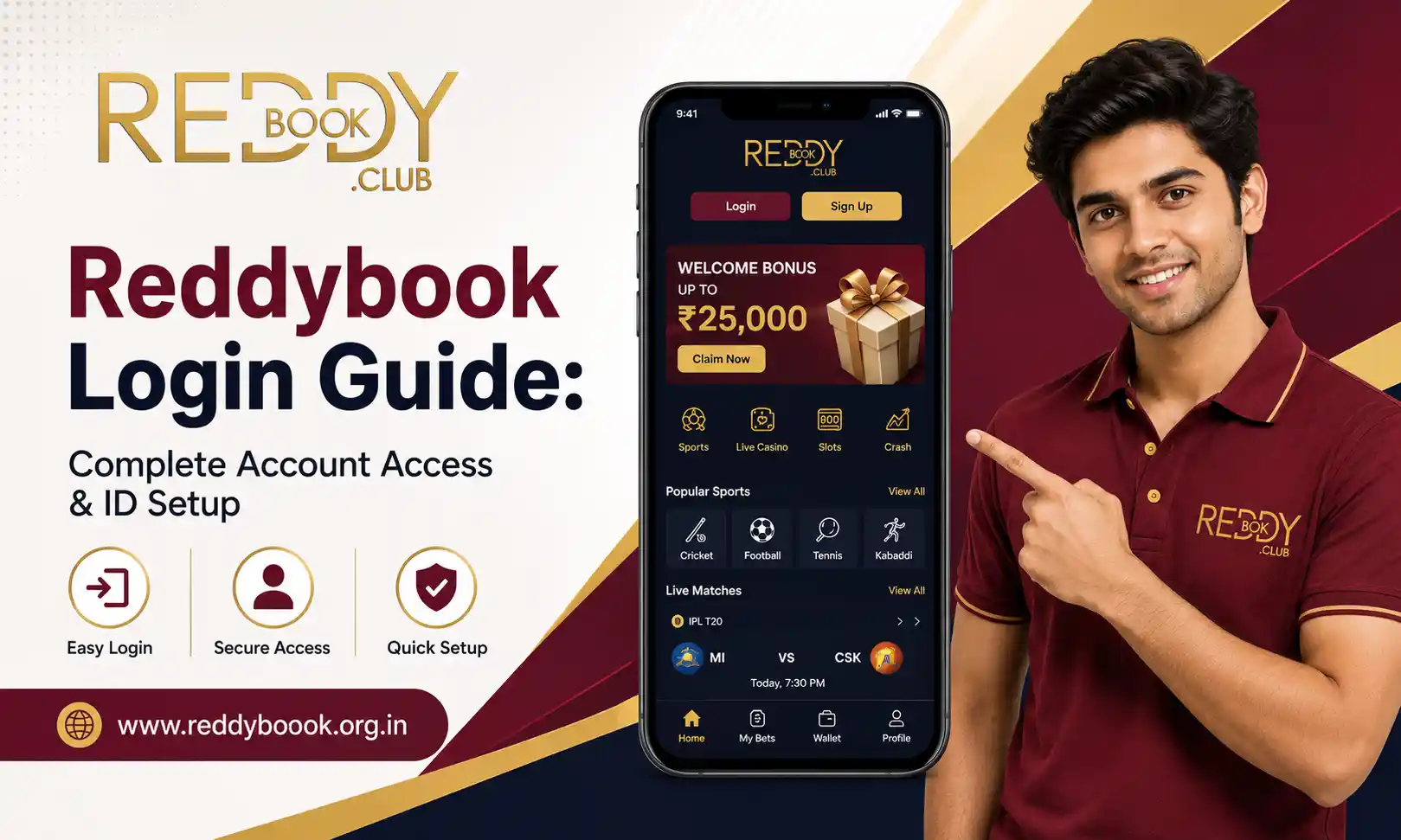
Reddybook Login works across supported devices. Open the app or mobile website, enter your Reddybook ID or registered username, provide the correct password, and complete any required account check.
Use your personal device whenever possible. Avoid saving your password on shared devices, and always check the website address before entering account information.
If you forget your password, use the account recovery option or contact Reddybook support through the official support channel.
Keep Your Reddybook App Secure
A secure download is the first step toward safer account access. Download the Reddybook Pro Apk only from a verified source, and never install files sent by unknown contacts.
Protect your Reddybook ID, password, and one-time verification codes. Do not share these details with another person, even if someone claims to represent support.
For a more detailed guide, read our Reddybook Account Security: Verification, Safety & Fraud Prevention article. This creates a useful next step for learning about verification, account protection, suspicious activity, and fraud prevention.
Also, log out after using a shared device and contact support quickly if you notice an unfamiliar login or account change. Reddybook itself recommends checking the website address, protecting passwords, avoiding shared-device login, and reporting unknown login activity.
Common Reddybook App Download Problems
Reddybook APK Is Not Downloading
Check your internet connection and return to the official download page. Avoid switching to an unknown APK source simply because a download fails.
Reddybook APK Is Not Installing
Check your device storage, APK file, and Android compatibility. A damaged or incorrect file can also cause installation problems, so download the approved version again from the verified source.
Reddybook App Is Not Opening
Restart your device and check whether the installed version matches the current release. If the problem continues, use the official support channel.
Reddybook Login Is Not Working
Check your Reddybook ID and password carefully. If you recently changed your password, use the updated details. For account recovery, follow the official password-reset process.
Reddybook App Needs an Update
Return to the official Reddybook access page and check the available Latest Version. Avoid downloading an update from an unfamiliar third-party website.
Reddybook App Latest Version Checklist
Before using the app, check these points:
- Use the official Reddybook access source.
- Confirm the displayed Reddybook Latest Version.
- Download the correct Android APK.
- Use the iOS access method for Apple devices.
- Check the file and permissions before installation.
- Keep your Reddybook ID and password private.
- Update the app through the verified source.
- Contact official support when an account problem requires assistance.
Download and Access Reddybook on Mobile
The Reddybook App Download process gives Android users access through the Reddybook APK option, while iOS users can use the supported mobile experience. Before downloading, always check the official source, verify the Reddybook Pro Apk Latest Version, and avoid modified or unknown files.
Once installed, users can access their Reddybook ID, review available sports and account features, manage supported payment tools, and use the mobile interface from a compatible device.